


Sliders, Camera Grip & Unit, Timelapse & Motion Control
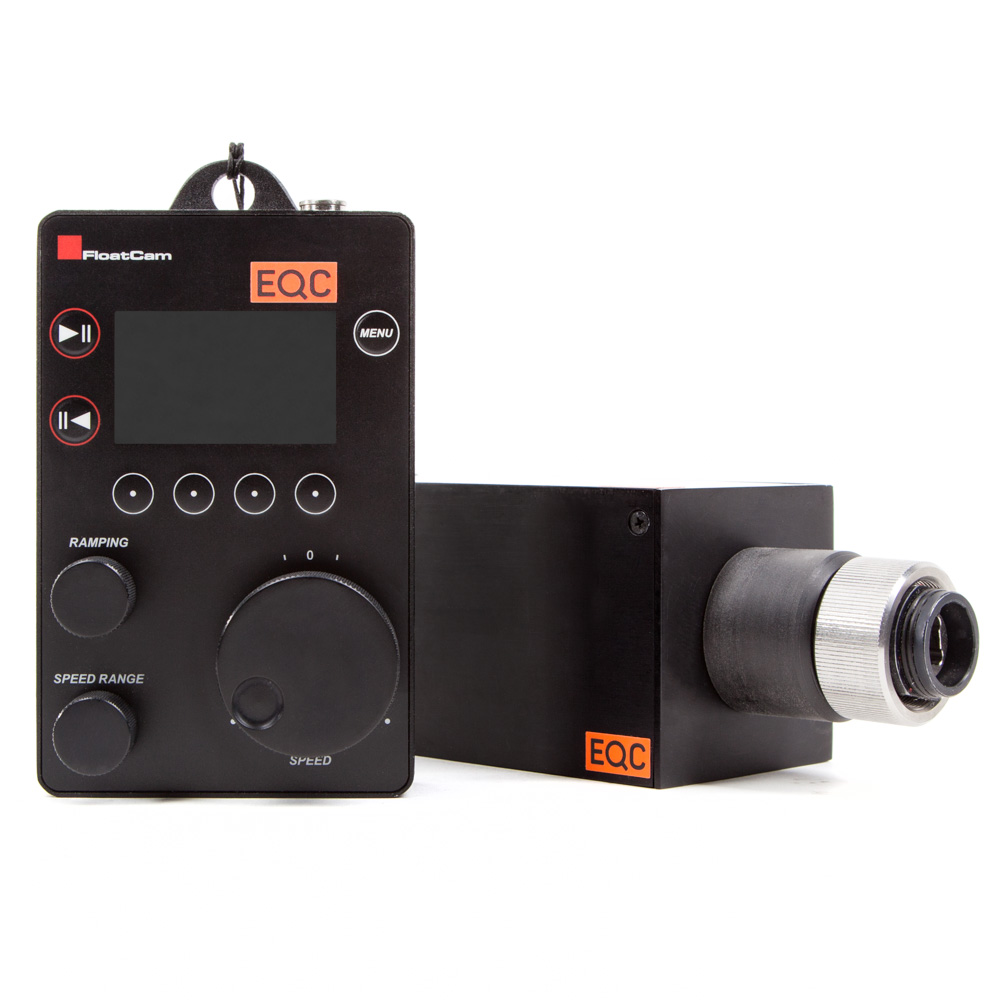
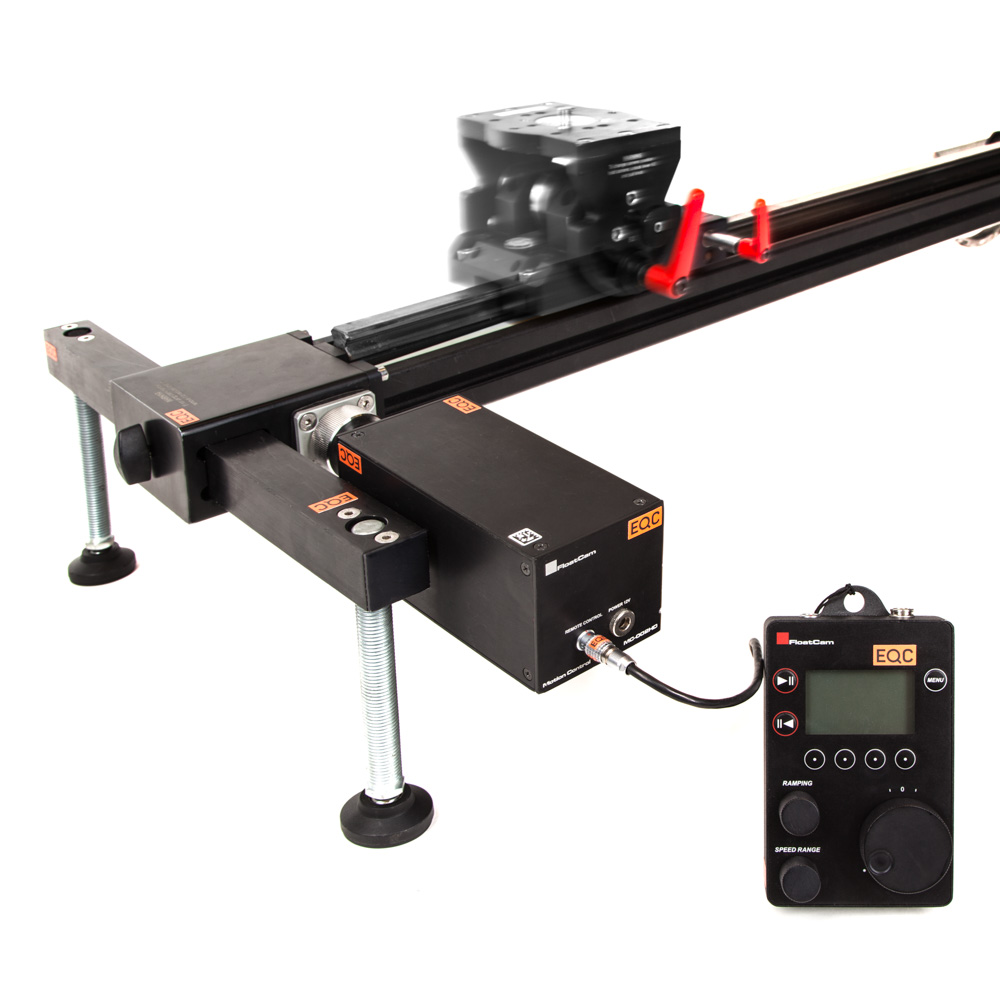
Floatcam Motion Control Unit for DC Slider HD
- Easy attachement on the slider
- Several motion control functions like:
- Manual moves
- Programmed moves
- Save and Repeat moves
- Time lapse
- Time lapse after shots
- Stop motion
- Stop motion distance
€50,00 /Shoot Day
1 Day
2 Days
3 Days
4 Days
5 Days
1 Week
€50,00
€95,00
€135,00
€170,00
€200,00
€245,00
+ 10% discount for online bookings · Prices excl. VAT and 7% insurance
- Often rentedOften rentedtootooOften rented
- Description &Description &In the CaseIn the CaseDescription
- TechnicalTechnicalSpecificationsSpecificationsSpecifications
- Manuals &Manuals &DownloadsDownloadsManuals
Often rented too
Floatcam Motion Control Unit for DC Slider HD Specs
| Manufacturer | Floatcam |
|---|---|
| Type | Motion-control unit |
| Compatible | DollyCrane / DollyCrane HD |
| Control | Manual + programmed; record/playback (up to 999 repeats) |
| Memory | 9 persistent + 1 volatile bank |
Description &In the Case
Description
Developed specifically for use with the DollyCrane and DollyCrane HD, the unit offers endless possibilities of camera movement and control. MotionControl allows manual and programmed movements. Every movement, manual or programmed, may be recorded and stored for later use. There are nine persistent banks and one volatile bank available.
Motion Control
Each movement can be repeated up to 999 times and extended “time extension” up to 99 times, allowing the user more than enough opportunity to get that perfect shot. You’ll really appreciate the wide range of speed settings from 0-20cm/sec. and a speed ramp range from 0.5-2.5 seconds.
Continuous Time Lapse
The Time Lapse Continuous mode allows for continuous movement across the slider during the time lapse process. When using Canon and Nikon DSLRs and the accessory camera control cables, it is possible to control the shutter speed and exposure from the remote control which contains a built in intervalometer. In this mode it is possible to set the total movement time, number of shots and control the shutter and exposure of a DSLR camera. It is also possible to trigger multiple image sequences from the MotionControl.
Additional Modes
The Time Lapse After Shots or Shoot-Move-Shoot mode works similar to the continuous time lapse mode, but the camera stops before each shot. Set the distance, number of shots, movement time, and control shutter and exposure of DSLR’s. Multiple image sequences for HDR shooting are also capable in this mode.
The Stop Motion Shot mode allows camera movement with factory settings and programmed number of shots. In this mode, it is possible to set the total movement time, number of shots and control shutter and exposure of DSLR cameras with the use of the accessory camera control cords.
The Stop Motion Distance mode allows programmed distance between each shot with precise accuracy. Every move and shot is initiated manually through the controller.
Have a look at the manual for setup instructions.
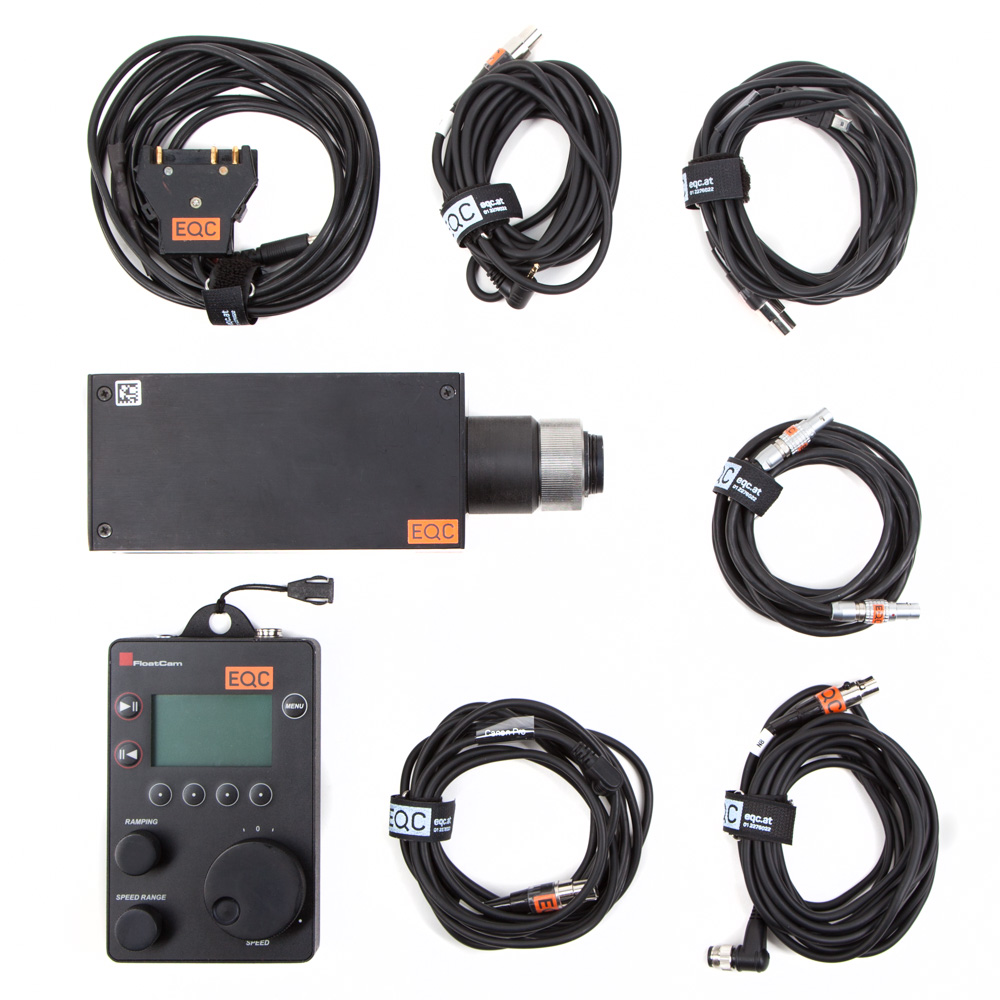
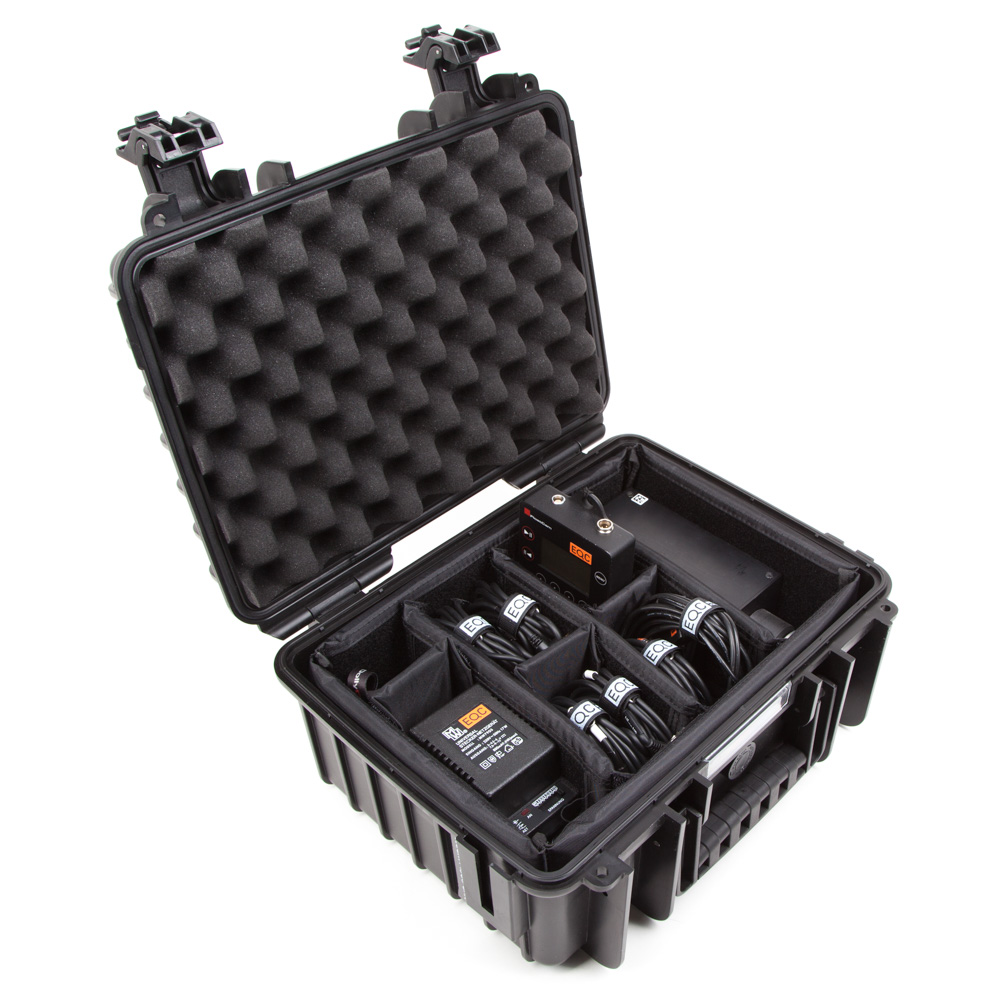
In the Case
- Motor
- AC adapter
- V-Mount adapter
- Controller with neckband
- Lemo controler cable
- Canon Pro trigger cable
- Canon C6 trigger cable
- Nikon N10 trigger cable
- Nikon N8 trigger cable
- Manual
- Case