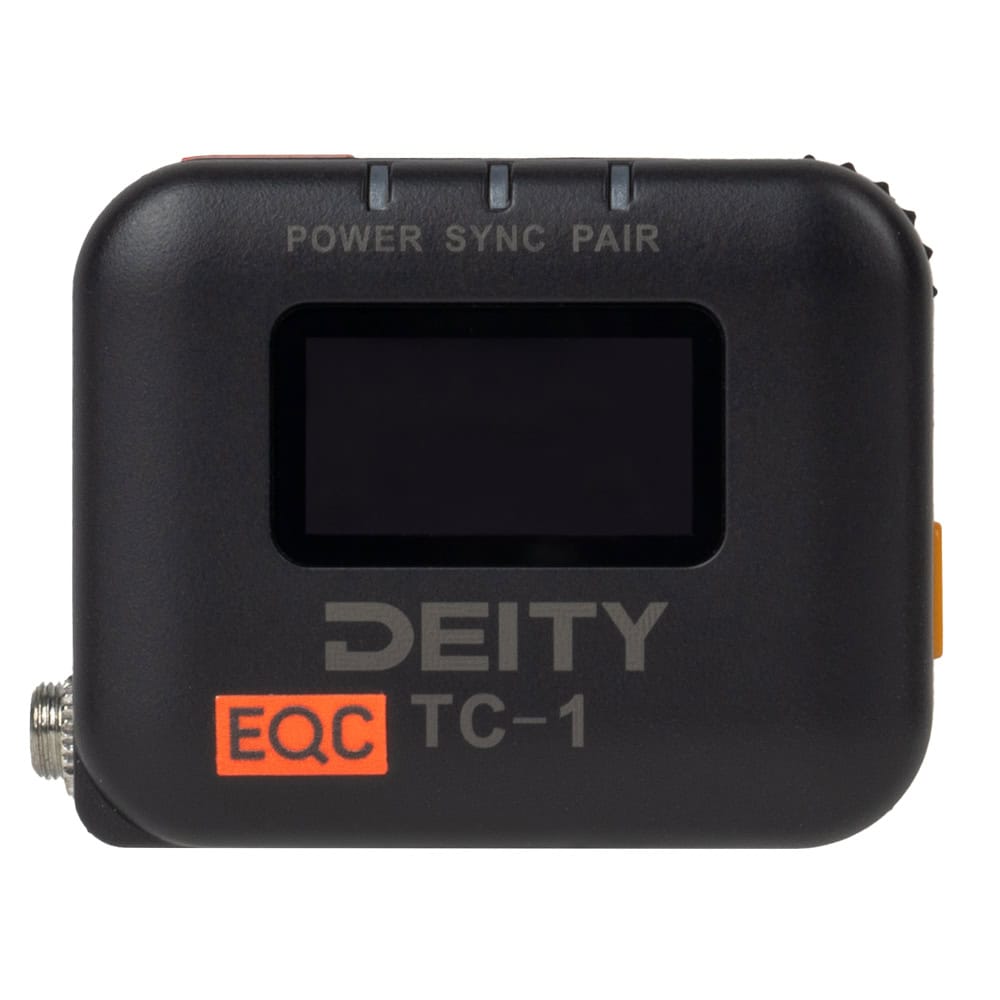
Keep cameras and audio recorders on the same timecode with the Deity TC-1. When every device records matching timecode, you can line up clips from multiple cameras and separately recorded sound by timecode in the edit instead of syncing by waveform or slate. This set includes one TC-1. For each additional camera or recorder, you need another unit.
Modes and wireless sync
One TC-1 runs as master and generates the timecode, while the others follow it wirelessly over 2.4 GHz in the same group. In Auto Jam mode a unit accepts every new sync from the master, while Jam Once And Lock syncs once and then ignores further commands, a useful safeguard during a shoot. The TC-1 can also be jammed from another timecode source through its 3.5 mm port. In the Sidus Audio app you sync all units at once to the master or to your phone’s time of day and keep track of them.
Into the camera
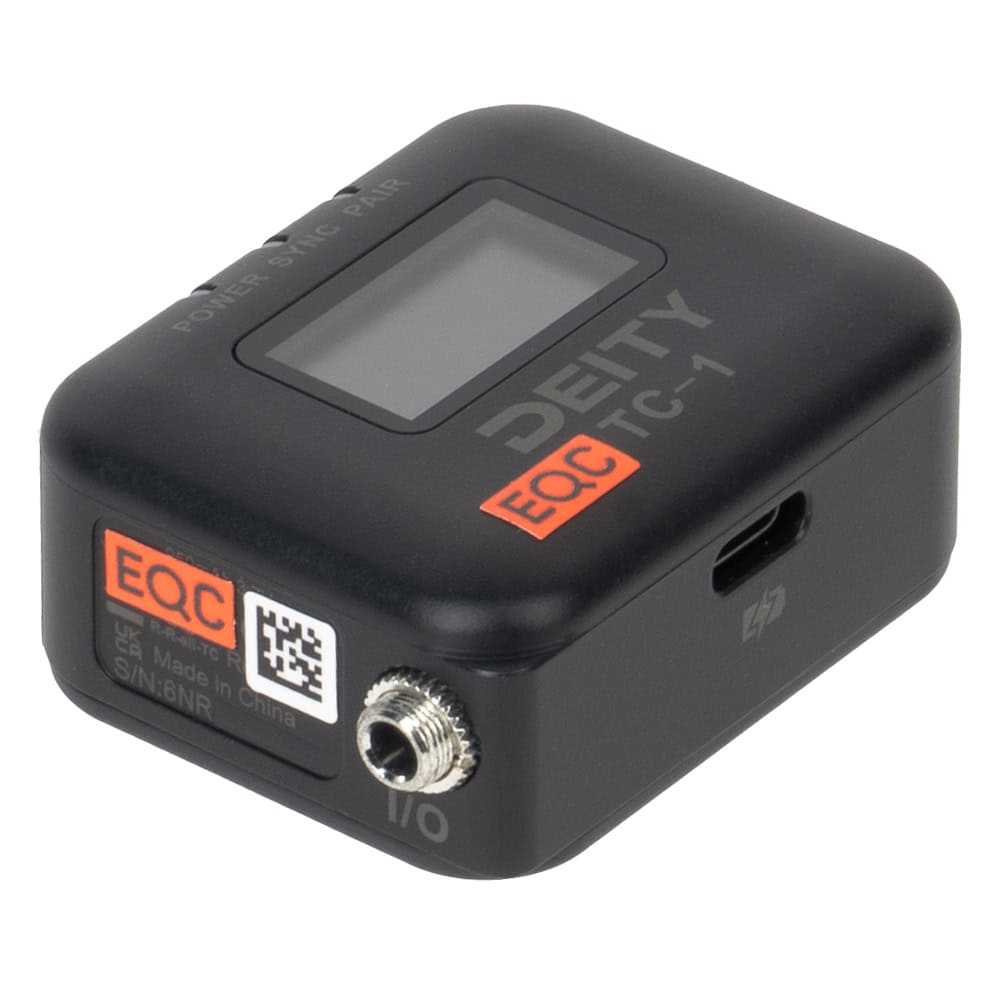
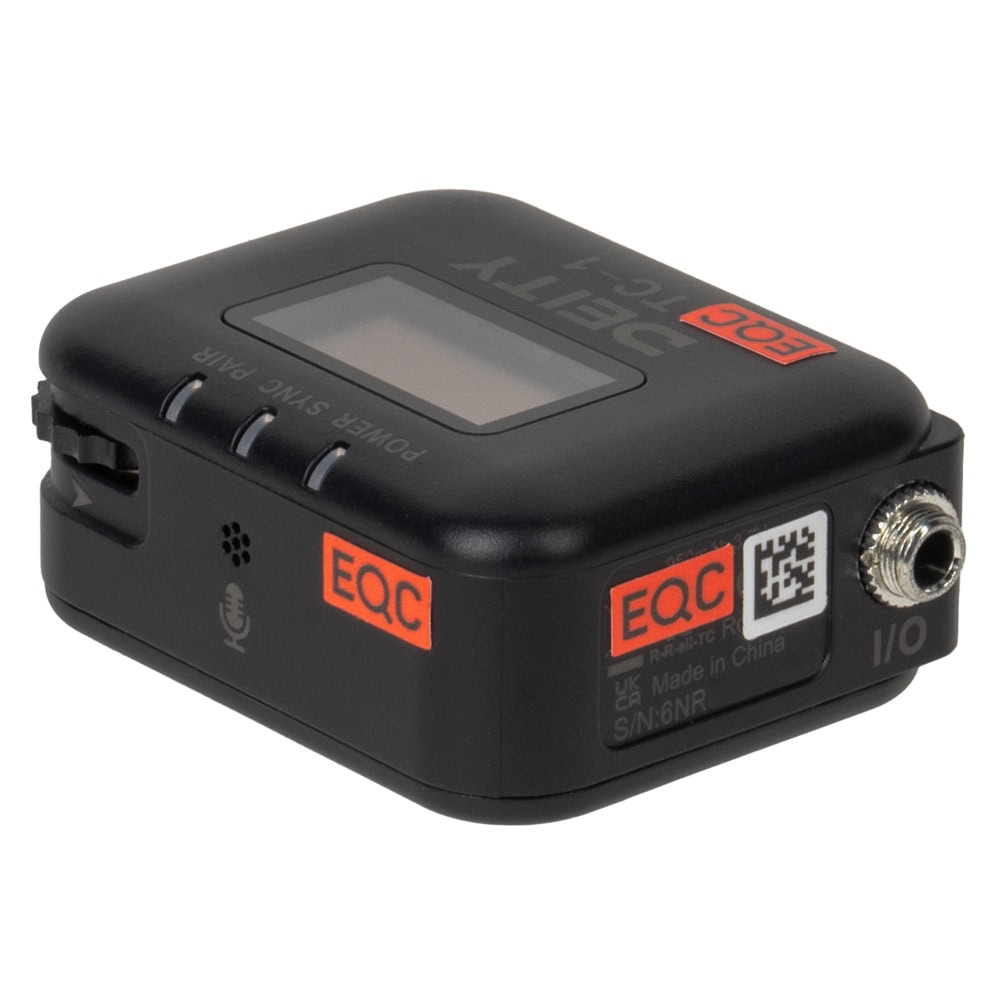
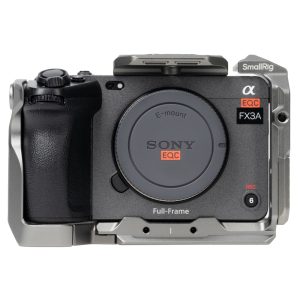
The locking 3.5 mm I/O port outputs line-level timecode for devices with a timecode input, for example via the included BNC cable. Cameras without a timecode input get timecode as an audio signal at mic level: with the TRS cable, timecode goes onto the left channel and reference audio from the built-in microphone onto the right (plug-in power must be on in the camera). For the Sony FX3, FX30, a1 and a7S III, the Deity C23 cable puts timecode straight into the metadata.
Power and mounting
The built-in battery charges via USB-C with the included power supply. It runs for up to 24 hours and fully charges in about 3 hours. The power LED turns red when about 30 minutes remain. Mount the TC-1 on the camera’s cold shoe with the adapter or attach it with the hook-and-loop strap.
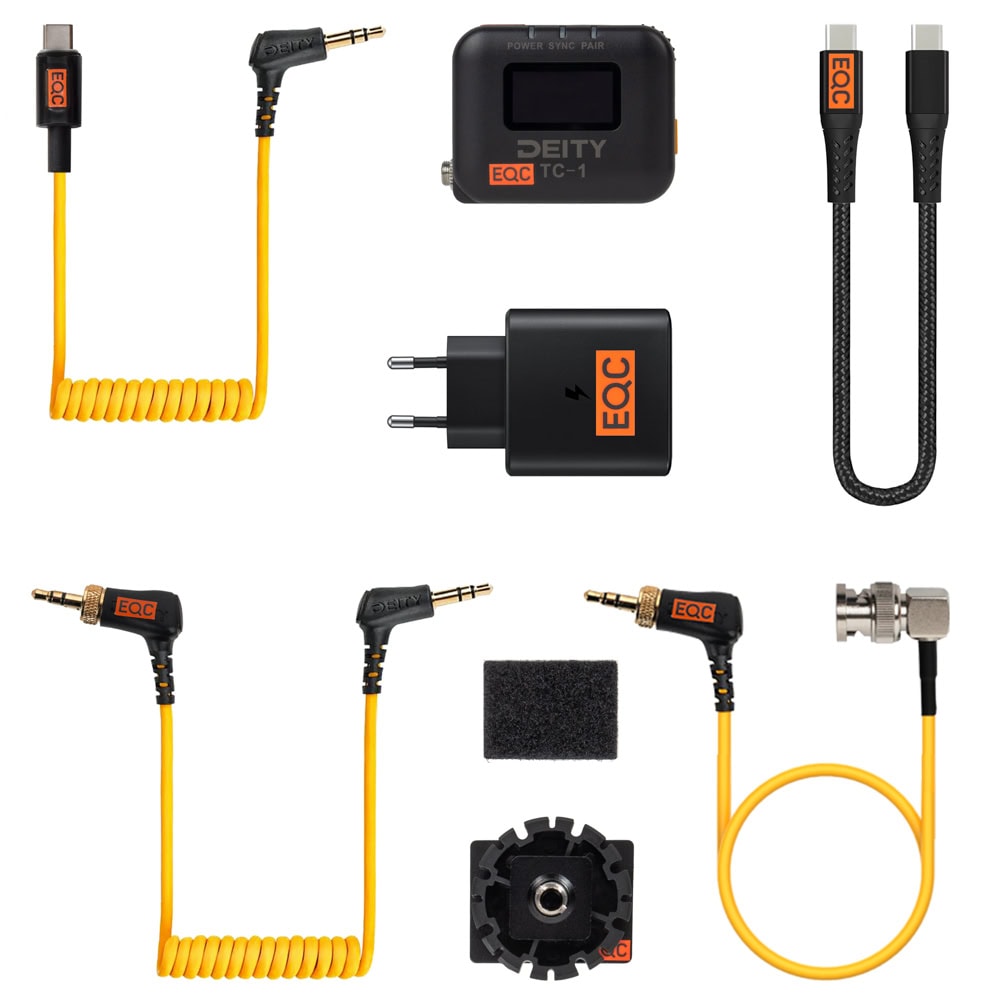
In the Case
- 3.5mm TRS > BNC cable
- 3.5mm TRS > TRS cable
- 3.5mm TRS > USB-C cable
- Cold shoe adapter
- USB-C > USB-C cable
- USB-C AC adapter
- Adhesive Velcro
- Screen protector
- EQC bag
We recommend one TC-1 per camera and recorder, plus the Deity C23 cable for the Sony FX3, FX30, a1 and a7S III.