,

Softron Multicam Logger 2 Dongle


  • Log when the director changes camera (ATEM and TriCaster™)
  • Adds markers
  • Exports multicam clip EDL to Adobe Premiere Pro and Apple Final Cut Pro X & 7
  • Multiple timecode sources
  • Support for “relative path”
  • REST API to add markers and change angle from a simple web page

80,00 /Shoot Day

1 Day
2 Days
3 Days
4 Days
5 Days
1 Week
€80,00
€152,00
€216,00
€272,00
€320,00
€392,00
+ 10% discount for online bookings · Prices excl. VAT and 7% insurance

To the description ↓

Softron Multicam Logger 2 Dongle Specs
System Requirements
Recommended macOS (for latest version) macOS 10.15.5 or later*
Supported Mac computers Intel Processors: Version 1.0 and later
Apple Silicon Processors: Version 2.2 and later
Warning: With Apple Silicon processors, ATEM production switchers software is not working yet when starting the application in Universal. Start it with Rosetta to be able to connect to an ATEM switcher.
Recommended RAM 2 GB for the first channel. Then add 2GB per additional channel.
Supported Graphics Cards All graphics cards supported
Supported Video Switchers with Ethernet connection Blackmagic Design ATEM, Vizrt Tricaster
Supported Video Switchers using GPI/tally Any switcher that has GPI outputs (requires GPI Commander).
Supported Video Switchers using MIDI Any switcher that has MIDI outputs.
Supported Codecs & Formats Many types of file are supported. Check the codecs & Formats pane. Note that export to FCP7 and Premiere only supports Stereo, 24 bit, 48Khz audio.
Required Final Cut Pro X versions Multicam Logger 1: Final Cut Pro X 10.0 and later
Multicam Logger 2: Final Cut Pro X 10.4.1 and later
Requires Monitor Connected Yes. Even if it should behave fine in most cases, it is recommended to keep a monitor connected at all times for best performances. Or you should make the macOS think that there is a monitor connected. Beware of some KVM switches that can cause interrupts in the signal.
Number of license required One license per computer.
Video Codecs
Animation
Apple Intermediate Codec
Apple Pixlet Video
Apple ProRes 422 Family (Proxy, 422, LT, HQ)
Apple ProRes 4444 (4444, XQ)
Apple ProRes RAW
AVC-Intra (50, 100, 200)
AVCHD
Avid DNxHD
Avid DNxHR
Blackmagic RAW
DV-PAL
DV/DVCPRO-NTSC
DVCPro-PAL
DVCPro HD
DVCPro 50
Flash
H.264
HDV
HEVC
JPEG 2000
MPEG IMX (30/40/50)
MPEG-2
MPEG-4 Video
None
Photo-JPEG
Speed HQ
Uncompressed
XAVC
XDCAM EX
XDCAM HD
XDCAM HD422
* HEVC requires macOS 10.13 or later and a computer using a Intel Core processor Skylake or later (available in 2016 on the Mac)
Audio Codecs
AAC
AC3
Apple Lossless
MP2
MP3
Linear PCM
Video Wrappers
AVI
DV
M2T
M2V
M4P (From iTunes with DRM)
M4V
MP2
MP4
MPEG
MPG
MXF OP1a
MXF OP-Atom
QuickTime (MOV)
Transport Stream (ts)
Important Note Some of the codecs above such as H.264 or MPEG2 can have a lot of variants. This is why we always recommend to have a procedure on how to create the files you put on air. So you are sure it will always behave well. If you receive files from external sources and you don't know how they were generated, it's always a good idea to test them before putting them on air. You can even test them on a different computer with a demo version of one of our playout application.
* Supported macOS Versions
Version Tahoe 26.0 Sequoia 15.0 Sonoma 14.0 Ventura 13.0 Monterey 12.0 Big Sur 11.0 Catalina 10.15 Mojave 10.14 High Sierra 10.13
2.3 and later
2.2
2.0 to 2.1

✅ = supported. Version 2.3 and later requires macOS Monterey 12 or later.

Description &In the Case

Description

The Softron Multicam Logger 2 Dongle allows a user to log all of the different angles (or inputs) used in a live multi-camera production. It records which input the director has selected on his video mixer and when. Multicam Logger thus creates a multicam clip for Final Cut Pro X, Final Cut Pro 7 and Adobe Premiere Pro using the logs and the files recorded by any type of video recorder. The purpose is to use the resulting media to edit a final version of the production which could include necessary corrections.

Seamless integration with Production Switchers over IP

Multicam Logger can integrate with most production switchers through GPI. With NewTek’s Tricaster® and Blackmagic Design’s ATEM® Production Switcher Line it is even easier as you can connect through Ethernet. The inputs on the network switcher appear immediately on the Multicam Logger screen and connect through a simple Network Connection, no need for complicated cabling and you can use any of the ATEM or Tricaster Production Switcher line.

In the Case
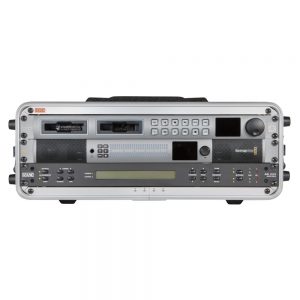
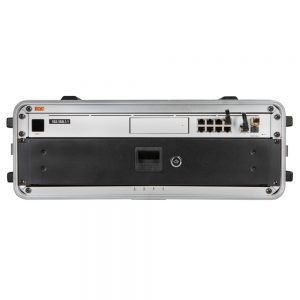
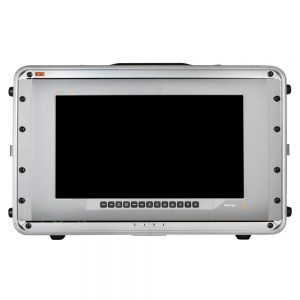
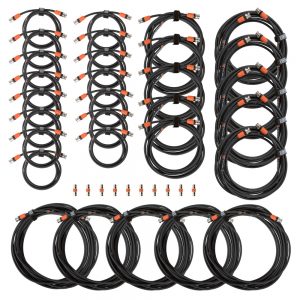
  • Saramonic SR-XLR35 TRRS > XLR3F adapter cable
  • USB A > USB C extension
  • Protection cap
  • Hard case
  • EQC Bag

SHOPPING CART

close